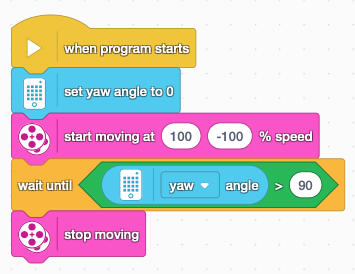
Turning with the Gyro Sensor
If you have a SPIKE robot built with the Hub lying horizintally, you can use the Hub’s built-in Gyro Sensor to measure how far the robot has turned to the right or left. Turn right 90 degrees The following Word…

If you have a SPIKE robot built with the Hub lying horizintally, you can use the Hub’s built-in Gyro Sensor to measure how far the robot has turned to the right or left. Turn right 90 degrees The following Word…
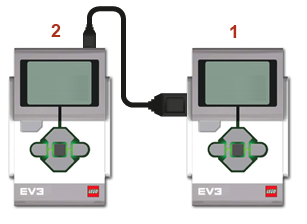
Daisy chaining allows multiple EV3 bricks to be connected using USB cables, enabling the first brick in the chain to control the motors and read the sensors connected to the others. To set up the chain, connect the USB port…
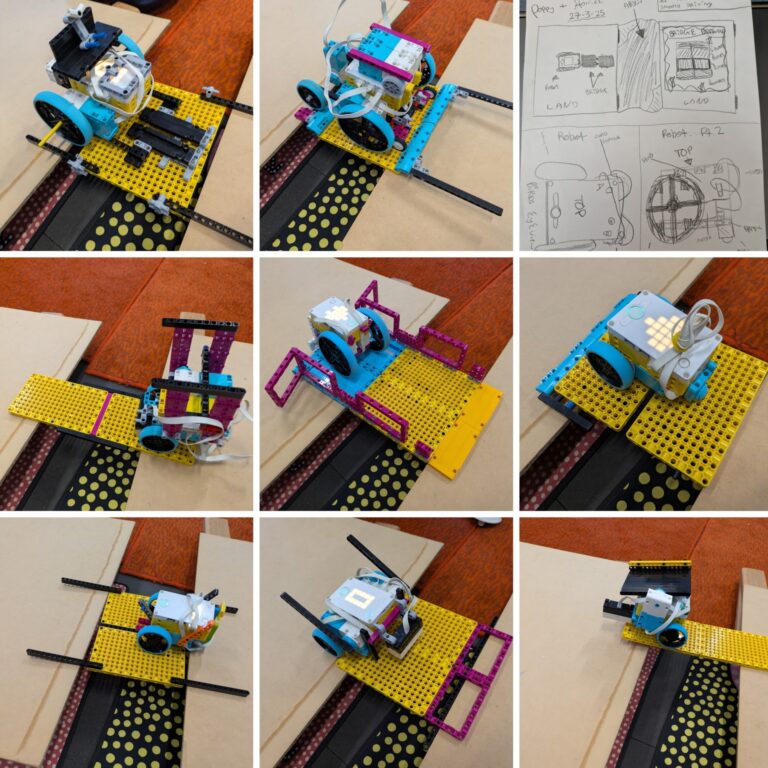
Build a robot that can drive up to a gap, deploy a bridge, and then use the bridge to cross the gap. Each team was limited to a maximum of two large yellow plates. Before starting this challenge, we reviewed…
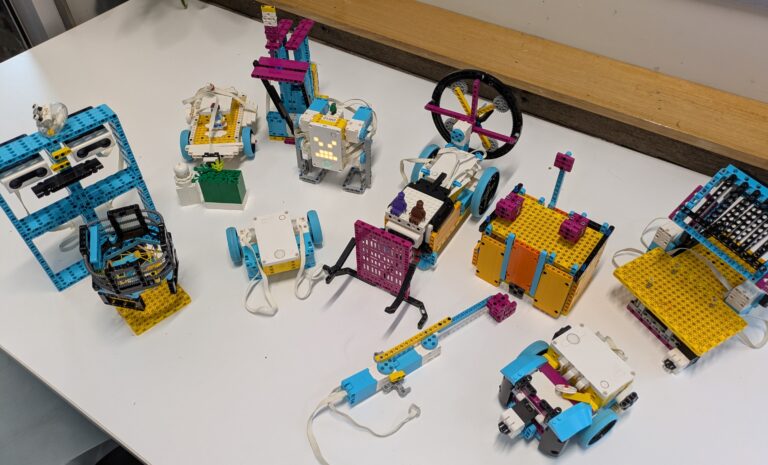
This week’s challenge required teams to solve a problem faced by a character in a fairy tale or fable. For example:
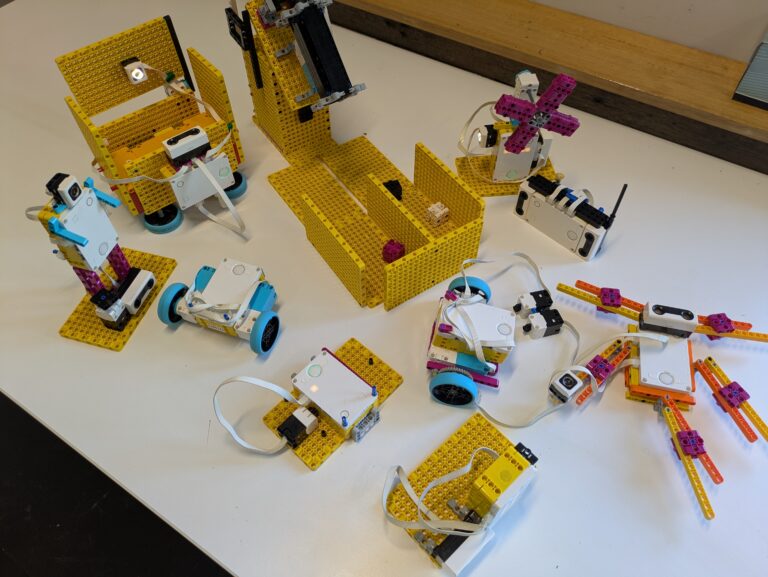
Starting with some example code, design and build a robot game. As a warm-up everyone was provided with a sheet containing basic code for three different types of game and had to see if they could work out what the…
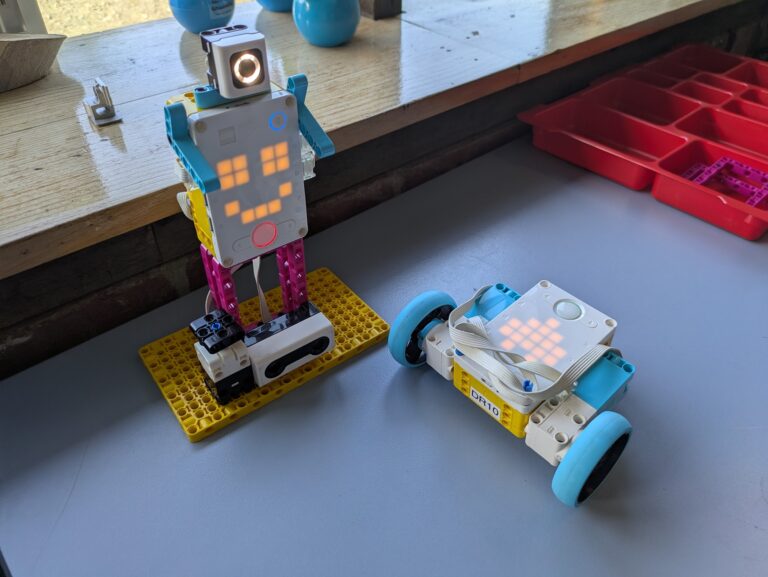
This week’s challenge was to make a robot react to the inputs from two different sensors. Up until this week, we’ve been randomising the groups. This week, however, participants had the option of choosing their own teams, but with the…
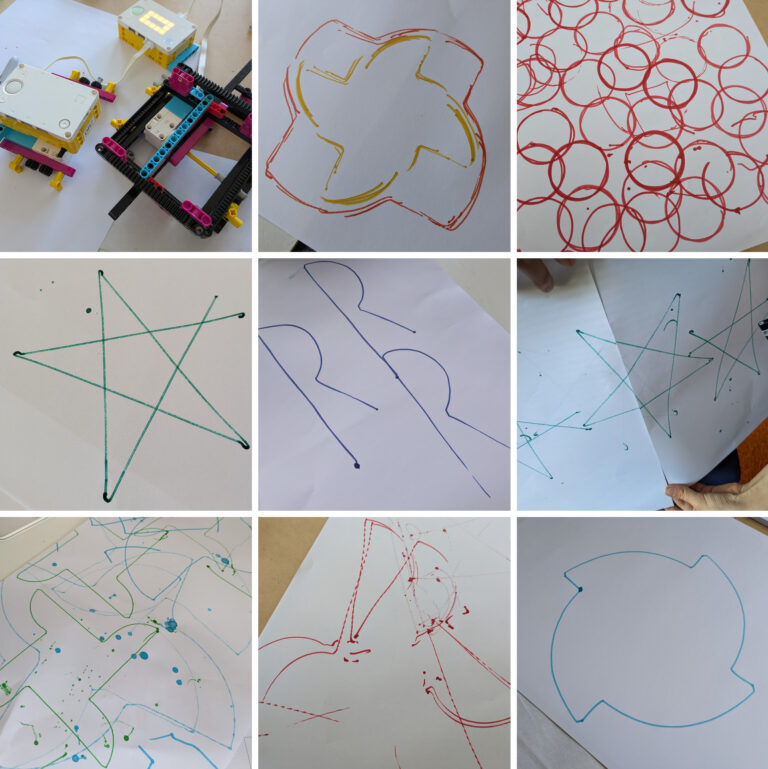
The main challenge was to build a robot that can hold a marker pen and do some robot art. As an intro activity, we provided a bunch of example programs designed to draw different shapes (e.g. square, spiral, circle, star,…
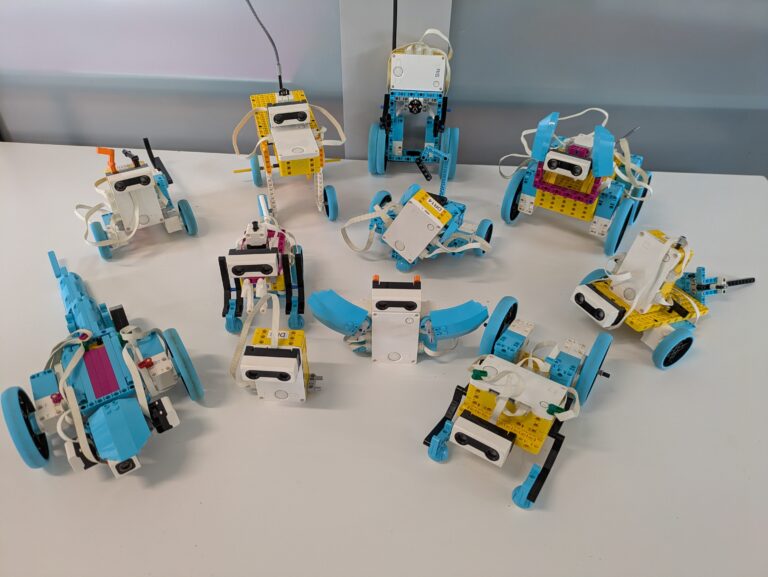
Design and build a robotic pet that uses sensors to interact with its environment. We started with a discussion about what are the features of a good pet. For some reason we ended lots of dogs, but we also had…
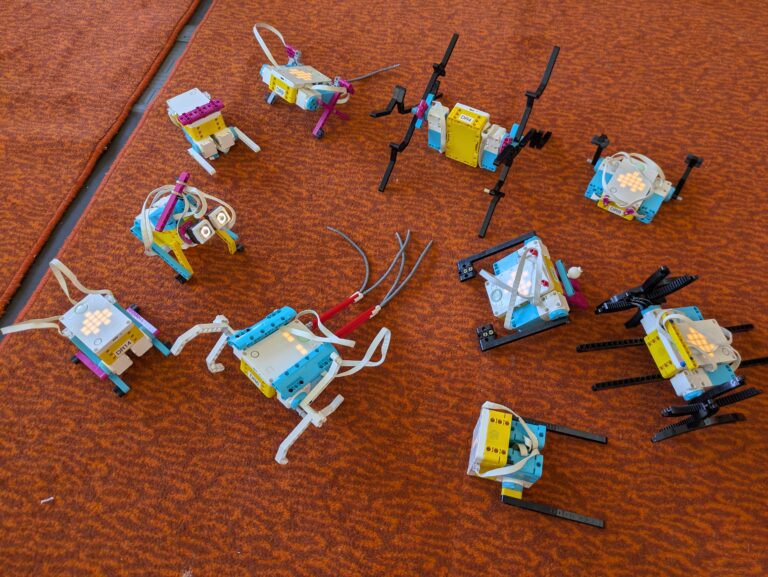
Make a robot that moves without wheels, ideally using as few pieces as possible. This is a quick, fun challenge that makes use of the built-in Heart program, so no programming was required.
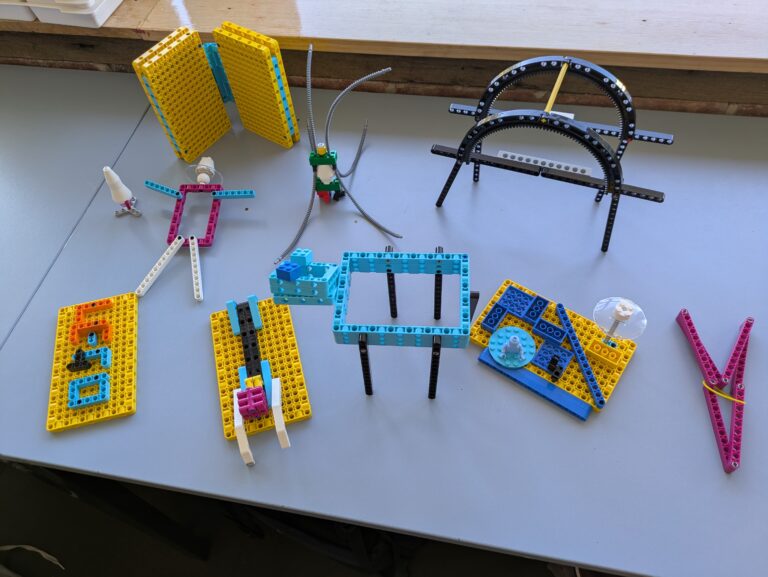
Working in randomly-assigned pairs, the challenge was to create something based on a shared interest, activity, or place. As a warm-up challenge, this was an opportunity to get to know each other. Teams weren’t allowed to use any electronic components.